Decode your Dodge VIN to find factory specifications, build options, and exact OEM part compatibility.


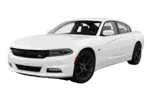
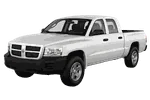
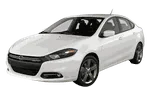
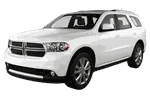
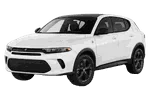
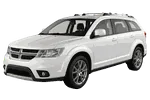


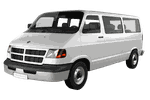
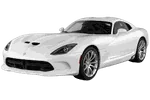
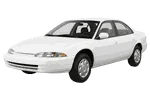
The Dodge parts catalog on 7zap is a reference resource for identifying components shown for the displayed Dodge passenger-vehicle generations. It connects vehicle selection, assembly navigation, exploded diagrams, parts-list descriptions, and Dodge OEM part numbers. This can help when researching a replacement component, comparing an existing number, or discussing a repair with a parts specialist.
7zap is an independent catalog and is not affiliated with Dodge. Catalog information should be treated as a starting point for research rather than a promise that a listed component applies to a particular vehicle.
After choosing a displayed vehicle generation and factory configuration, users can move through relevant assembly groups. Depending on the catalog view, navigation may use universal categories or manufacturer categories. These routes organize component information in different ways while leading toward diagrams and associated parts lists.
Assembly coverage can help investigate areas such as the engine, transmission, steering, suspension, braking system, electrical equipment, body fittings, interior equipment, or cooling system when those sections are present for the selected vehicle. The catalog should not be assumed to cover every component or configuration.
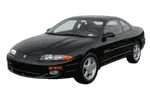
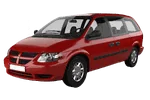
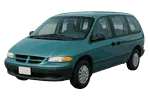
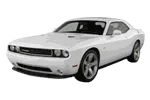
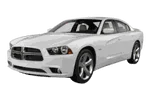
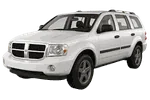
The generation list above provides the correct starting point for manual browsing. Examples include Viper SR I (1992–1996), Caravan NS (1997–2000), Neon 2nd Generation (2000–2006), and Journey JC49 (2009–2020). Later displayed entries include Charger LD (2011–2023), Challenger Facelift (2015–2023), Durango WD (2011–2025), and Hornet GG (2023–2025).
These names and date ranges distinguish catalog branches; they should not be used alone to decide compatibility. Vehicles from nearby production periods can still differ by factory configuration, equipment, or component revision. Start with the generation matching the vehicle documentation, then review the configuration details offered by that catalog branch.
A Dodge parts diagram presents an assembly as an exploded view so that components can be understood in relation to surrounding items. Numbered callouts direct the reader to rows in the accompanying parts list. A callout is only a visual pointer: it is not necessarily an orderable OEM number.
The corresponding row may provide a component description, quantity context, notes, or one or more Dodge part numbers. Read the diagram and list together because similar-looking pieces may occupy different positions or have different applications. An OEM number is useful for cross-checking references, but the number by itself does not guarantee applicability to a specific vehicle.
For manual catalog browsing, confirm the model family and displayed generation before opening an assembly. Next, compare the available factory configuration details with reliable vehicle records. Pay attention to distinctions such as engine or transmission information when the catalog presents them, and do not select a branch merely because its production range appears close.
Once a possible component is found, retain the diagram context, callout, description, and OEM number. Together, these details provide a clearer research trail than a copied part number without its assembly context.
VIN lookup is an independent, vehicle-specific route and is not a configuration within manual browsing. It does not select or modify one of the displayed configurations. When VIN-based information is available, use that path separately and compare its results with the vehicle and component being researched.
Compare a candidate number with markings on the removed component, the vehicle documentation, connector or mounting details, and any catalog notes. Differences in equipment or production changes can matter even when descriptions appear similar. For additional confirmation, provide the VIN, OEM number, diagram position, and vehicle details to a qualified parts professional. This verification is important whether the search began with a Dodge parts catalogue, an exploded view, or a number stamped on an existing component.
Choose the matching model family and displayed generation first. Then select the appropriate factory configuration and navigate to the relevant assembly group.
Not necessarily. The callout normally points to a parts-list row. Review that row to find the associated description and any listed OEM number.
No. It is a research reference that should be checked against vehicle details, catalog notes, physical component markings, and professional guidance where needed.
VIN lookup and manual generation browsing are separate methods. Use the VIN route independently rather than treating it as a configuration selector for the manually browsed catalog.