VIN Decoder

Geo VIN Decoder and OEM Parts Catalog Guide

Free • 3 sec • No signup
Identify available vehicle attributes from a supported Geo VIN before navigating the OEM parts catalog. This is especially useful because Geo models originated in several different General Motors partner programs.
Review manufacturer and vehicle attributes returned for a supported VIN
Distinguish among the Metro, Prizm, Tracker, Storm, and Spectrum families
Continue to a VIN-specific OEM catalog path when matching coverage is available
No registration required. Results in ~3 seconds.
Geo was sold through Chevrolet dealers for the 1989 through 1997 model years. Because its model families came from Suzuki, Toyota, and Isuzu programs, the Geo badge by itself is not sufficient for a parts decision.
Overview

Start with the identifier, then verify the parts context

Submit the vehicle’s VIN for processing and review only the data actually returned. A supported result may identify manufacturer or vehicle attributes encoded in the identifier or supplied by manufacturer data.

After reviewing the result, follow the VIN-specific path into the Geo OEM parts catalog where coverage permits. Before ordering, verify critical part numbers against the vehicle’s labels, applicable service information, and the physical component. Returned fields and catalog depth vary by market, model year, source, and availability.
Help

Finding and confirming the Geo VIN

Use the identifier shown on the vehicle and in its records, then make sure every character agrees before processing it.
Vehicle identification label — consult the vehicle’s service information to locate the applicable label.
Vehicle documents — compare the recorded identifier with the identifier displayed on the vehicle.
Service records — use them as a secondary reference and investigate any character mismatch.
Parts or repair documentation — confirm that the VIN was transcribed for the same vehicle.
i
This page does not assign a universal label position to every Geo model. The correct location and presentation can vary with the underlying model program, production context, and year.
Capabilities

What a Geo VIN lookup may clarify

The useful output is the set of supported attributes actually returned for that vehicle, not a presumed complete build record.
Model-family context
A result may help distinguish a Metro, Prizm, Tracker, Storm, or Spectrum before catalog research begins.
Manufacturer data context
Available fields may reflect the partner-manufacturer and production background associated with the identifier.
Catalog navigation
Where linked coverage exists, use the identified vehicle context to open the relevant VIN-specific OEM catalog path.
A VIN cannot prove mileage, accident history, ownership, condition, title status, or that every option and part is represented in every source.
VIN anatomy

Reading the standard VIN sections carefully

The 17-character identifier is commonly discussed in three sections. Exact character meanings must come from applicable manufacturer data rather than badge-based assumptions.
WMI — positions 1–3
The World Manufacturer Identifier relates to a manufacturer entity and region. Geo does not have one universal WMI: identifiers vary by model, partner manufacturer, plant, and year, and a WMI is not necessarily exclusive to the retail badge.
VDS — positions 4–9
The Vehicle Descriptor Section can encode vehicle attributes according to the applicable manufacturer scheme. Do not transfer a position meaning from one Geo partner program to another without supporting data.
VIS — positions 10–17
The Vehicle Identifier Section completes the identifier and may support further identification through manufacturer data. This page does not assign an unverified year, plant, or sequence meaning to an individual position.
Manufacturing

Geo production came from several partner programs

Production context differs across the five model families, so a single brand-wide plant assumption is unreliable.
Partner production context
Prizm was built at NUMMI in California; many Metro and Tracker vehicles came from CAMI in Ontario or Japan; Storm and Spectrum came from Japan.
i
These locations describe the supplied model-family context only. They do not establish a plant for a particular vehicle without supporting VIN or manufacturer data, and no plant code should be inferred from them.
Value

Why identification matters for Geo parts research

Geo combined multiple compact-vehicle programs under one retail name, making model and production context important during catalog work.
Separate partner origins
Metro and Tracker came from Suzuki programs, Prizm from Toyota, and Storm and Spectrum from Isuzu.
Avoid badge-only matching
The Geo emblem does not by itself establish the correct parts application or underlying manufacturer context.
Account for later Chevrolet names
After Geo ended, Metro, Prizm, and Tracker continued under Chevrolet, so nameplate context should be checked alongside the vehicle identifier.
Verify consequential choices
Use the catalog as a reference, then confirm critical part numbers with labels, service information, and the installed component.
Why premium

A source-aware workflow for an uncommon brand

A short generic summary may overlook the different Suzuki, Toyota, and Isuzu backgrounds represented by Geo vehicles.

Recommended lookup sequence

Copy the complete VIN carefully from the vehicle or reliable vehicle documents.
Process the VIN and review the manufacturer and vehicle attributes that are actually returned.
Review the returned VIN data, continue through the VIN-specific OEM catalog path when available, and verify critical part numbers against labels and service information.
Verify critical part numbers against labels, applicable service information, and the physical vehicle.

Compare returned data with the vehicle

Treat the decoder, vehicle documents, service information, labels, and catalog records as cross-checks. If sources disagree, resolve the discrepancy before making a parts decision.
Free
View diagrams per day
View 1 diagrams per day
VIN identifications per month for month(s)
10 VIN identifications per month for 1 month(s)
Ad-free
Full part numbers in catalogs
Applicability Of Spare Parts
Maintenance Parts
Free
View diagrams per day
View 1 diagrams per day
VIN identifications per month for month(s)
10 VIN identifications per month for 1 month(s)
Ad-free
Full part numbers in catalogs
Applicability Of Spare Parts
Maintenance Parts

Examples of the 7zap research interface

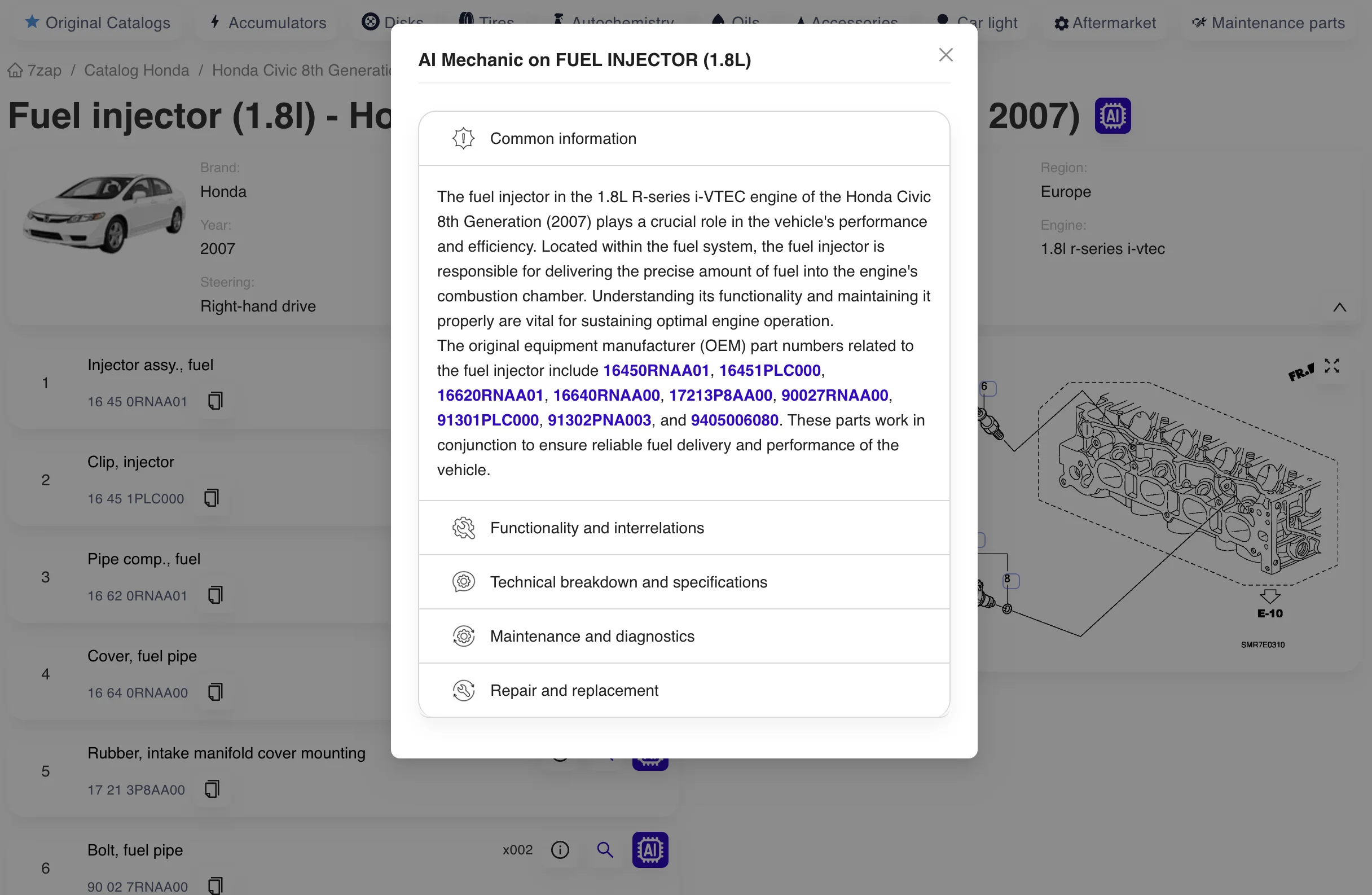
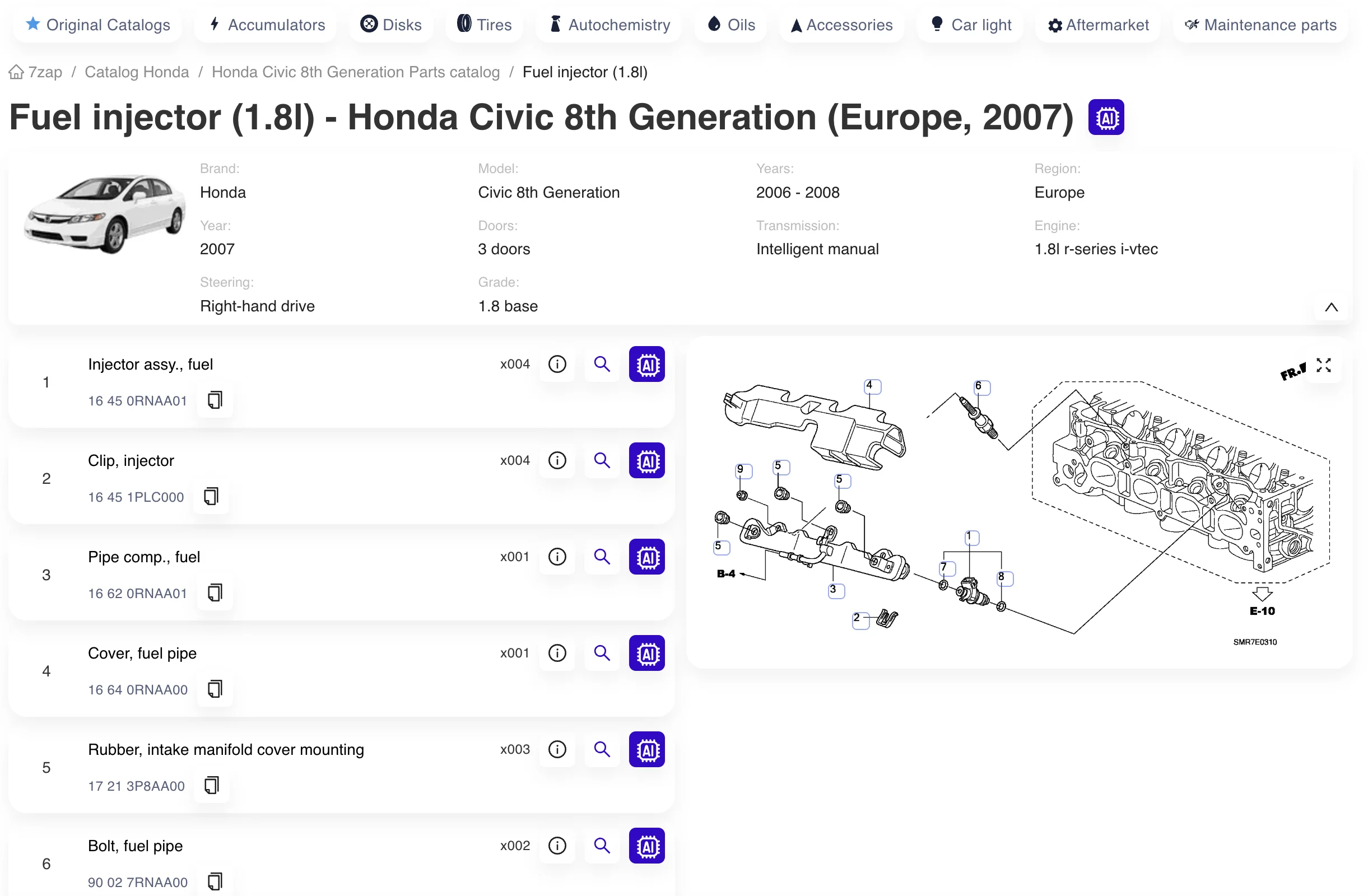
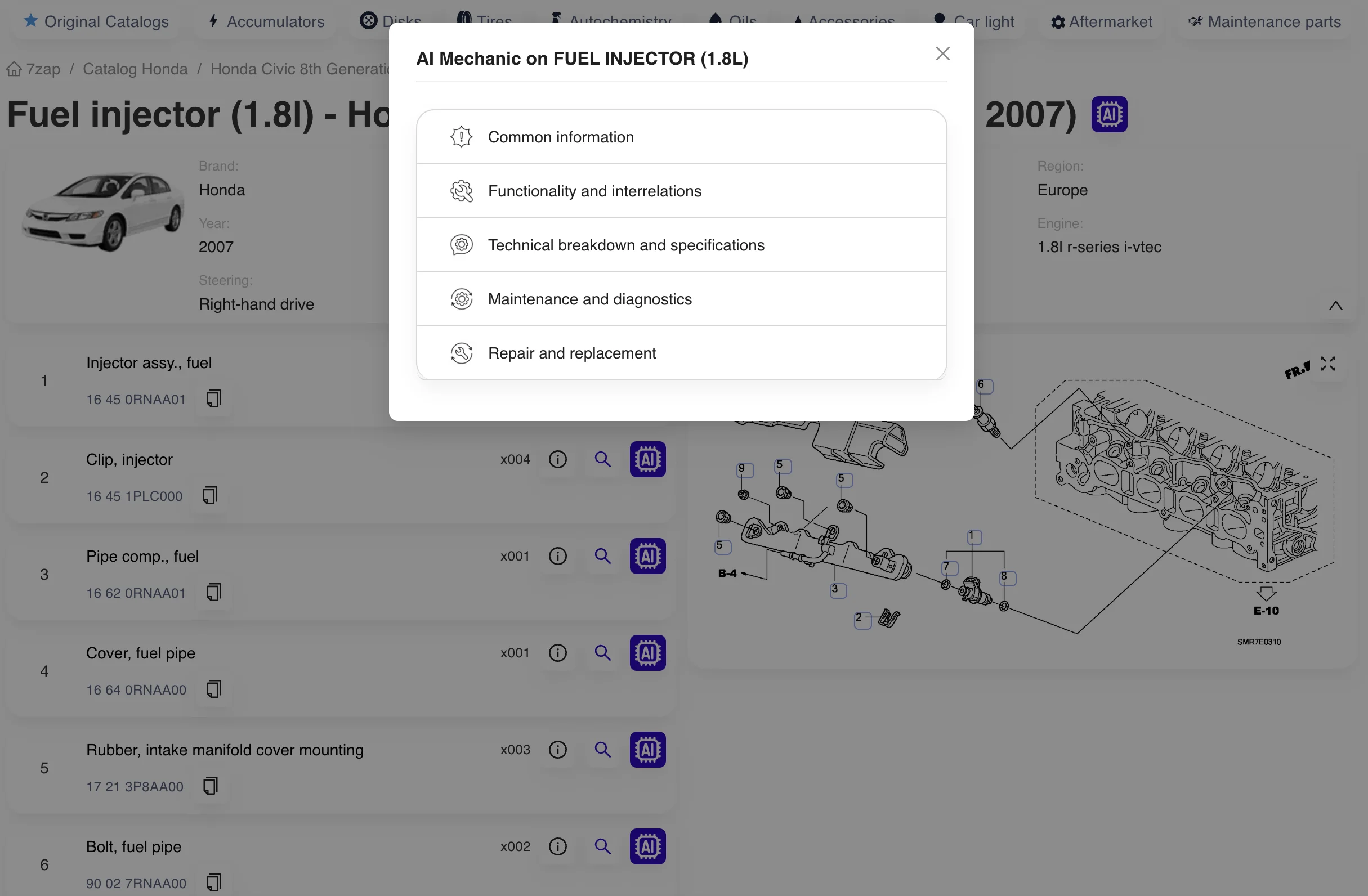
These temporary images illustrate general catalog, assembly, and parts-detail interface concepts. They were copied from another brand page and do not show or identify a Geo vehicle.
Vehicle and catalog context
Decoded preview
VIN
17-character vehicle identifier
Model family
Metro / Prizm
Coverage
Varies by market and source
Assembly and part-detail review
Example 7zap catalog interface; temporary image from another brand page
Example 7zap assembly tools interface; temporary image from another brand page
Example 7zap parts detail interface; temporary image from another brand page
Support

Geo VIN and catalog questions

Key limitations and practical checks for researching a Geo vehicle.

Continue with the appropriate manufacturer catalog

If the vehicle or records identify a later Chevrolet model or another manufacturer context, use the corresponding 7zap catalog rather than assuming all Geo-era applications are interchangeable.