VIN Decoder

BrightDrop VIN Decoder and OEM Parts Catalog Guide

Free • 3 sec • No signup
Identify a supported BrightDrop commercial delivery van from its 17-character VIN, review the returned vehicle attributes, and continue into the relevant 7zap OEM catalog path.
Covers supported records associated with BrightDrop Zevo 400 and Zevo 600 vehicle families.
Accounts for the Chevrolet BrightDrop 400 and Chevrolet BrightDrop 600 names used by GM for the 2025 model year.
Connects vehicle identification with an OEM catalog workflow while keeping final part-number verification in your hands.
No registration required. Results in ~3 seconds.
BrightDrop originated in the General Motors commercial-EV context, and the Zevo 400 and Zevo 600 are battery-electric delivery vans. Although the 7zap route is organized under the cars catalog, the physical vehicles covered here are commercial vans.
Overview

Start with the van's vehicle identifier

Submit the complete VIN exactly as it appears on the vehicle or its documents. When the record is supported, 7zap can return available manufacturer and vehicle attributes for review. Coverage is not universal, and the fields shown can differ by market, model year, source data, and catalog availability.

After reviewing the result, continue through the VIN-specific OEM catalog path and compare critical part numbers with labels, service information, and the components fitted to the van.
Help

Finding the VIN on a BrightDrop van

Use the identifier shown on the vehicle or in its official records. The supplied research does not establish a brand-specific label location.
Review the vehicle's identification labels and copy the full 17-character identifier without adding spaces.
Check the registration or other official vehicle documents and compare that VIN with the vehicle itself.
Consult the applicable owner's or service information if the identification label is not immediately visible.
If identifiers disagree or a character is unclear, stop and confirm the VIN through an appropriate Chevrolet, GM, fleet, or service channel.
i
Do not guess an unreadable character. An incorrect character can prevent recognition or associate the lookup with the wrong record.
Capabilities

What a supported BrightDrop lookup can provide

The returned information depends on what is encoded in the VIN and what the available manufacturer, source, and catalog records contain.
Vehicle-family context
A supported record may identify data associated with the BrightDrop Zevo 400, BrightDrop Zevo 600, Chevrolet BrightDrop 400, or Chevrolet BrightDrop 600 families.
Available vehicle attributes
The processor may return manufacturer or vehicle attributes available for that record. The exact set of fields is not guaranteed and should not be treated as a complete build sheet.
OEM catalog continuation
After identification, use the VIN-specific catalog path to review relevant assemblies and parts information, then verify critical numbers before ordering or installation.
A VIN lookup cannot prove mileage, accident history, ownership, physical condition, title status, or the availability of every option and part in every data source.
VIN anatomy

How the 17-character VIN is organized

A VIN is divided into three broad sections. Interpretation must rely on supported manufacturer data rather than assumptions based on a retail badge.
WMI — positions 1–3
The World Manufacturer Identifier relates to a manufacturer entity and region. GM identifiers can cover multiple brands and vehicle types, so no fixed BrightDrop WMI is published here without a supplied vehicle record.
VDS — positions 4–9
The Vehicle Descriptor Section contains manufacturer-defined descriptive coding. The meaning of individual characters must be interpreted from applicable source data rather than guessed.
VIS — positions 10–17
The Vehicle Identifier Section distinguishes the vehicle within the manufacturer's identification system. Returned interpretations vary with the record and available data.
Manufacturing

Production-plant information

Plant details should be reported only when they are supported by the individual vehicle record or authoritative documentation.
No plant specified in this research packet
Confirm through the vehicle record, labels, or applicable GM and Chevrolet service information
i
This page does not assign a plant or plant code to BrightDrop vans. Do not infer a production site from the badge, model-family name, or an unsupported VIN-character interpretation.
Value

A careful route from VIN to parts research

VIN identification narrows the research context, but reliable parts work still requires review and verification.
Recognize changing model presentation
BrightDrop Zevo naming and the Chevrolet BrightDrop 400 and 600 names can be considered within the supported catalog workflow without assuming that every record uses identical terminology.
Reduce transcription mistakes
Starting with the complete identifier helps anchor research to a specific vehicle record. Always compare the submitted VIN with the vehicle and its documents.
Review assemblies methodically
Use the catalog to move through available groups, diagrams, and part details. Catalog presentation and available fields can vary.
Verify before committing
Confirm critical part numbers against labels, current service information, and the installed component. VIN-based catalog research does not guarantee fitment by itself.
Why premium

Why a catalog-connected lookup is different

A basic VIN tool may display limited identification data. The practical value here is the controlled transition from a supported result to OEM parts-catalog research.

Recommended BrightDrop parts workflow

Copy the full 17-character VIN from the van or its official documentation.
Process the VIN and review only the vehicle attributes actually returned.
Review the returned VIN data, continue through the VIN-specific OEM catalog path when available, and verify critical part numbers against labels and service information.
Compare important part numbers with vehicle labels, installed hardware, and current service information before use.

Using VIN data for parts research

A VIN lookup identifies a supported vehicle record and its available attributes.
Free
View diagrams per day
View 1 diagrams per day
VIN identifications per month for month(s)
10 VIN identifications per month for 1 month(s)
Ad-free
Full part numbers in catalogs
Applicability Of Spare Parts
Maintenance Parts
Free
View diagrams per day
View 1 diagrams per day
VIN identifications per month for month(s)
10 VIN identifications per month for 1 month(s)
Ad-free
Full part numbers in catalogs
Applicability Of Spare Parts
Maintenance Parts

Examples of the 7zap catalog workflow

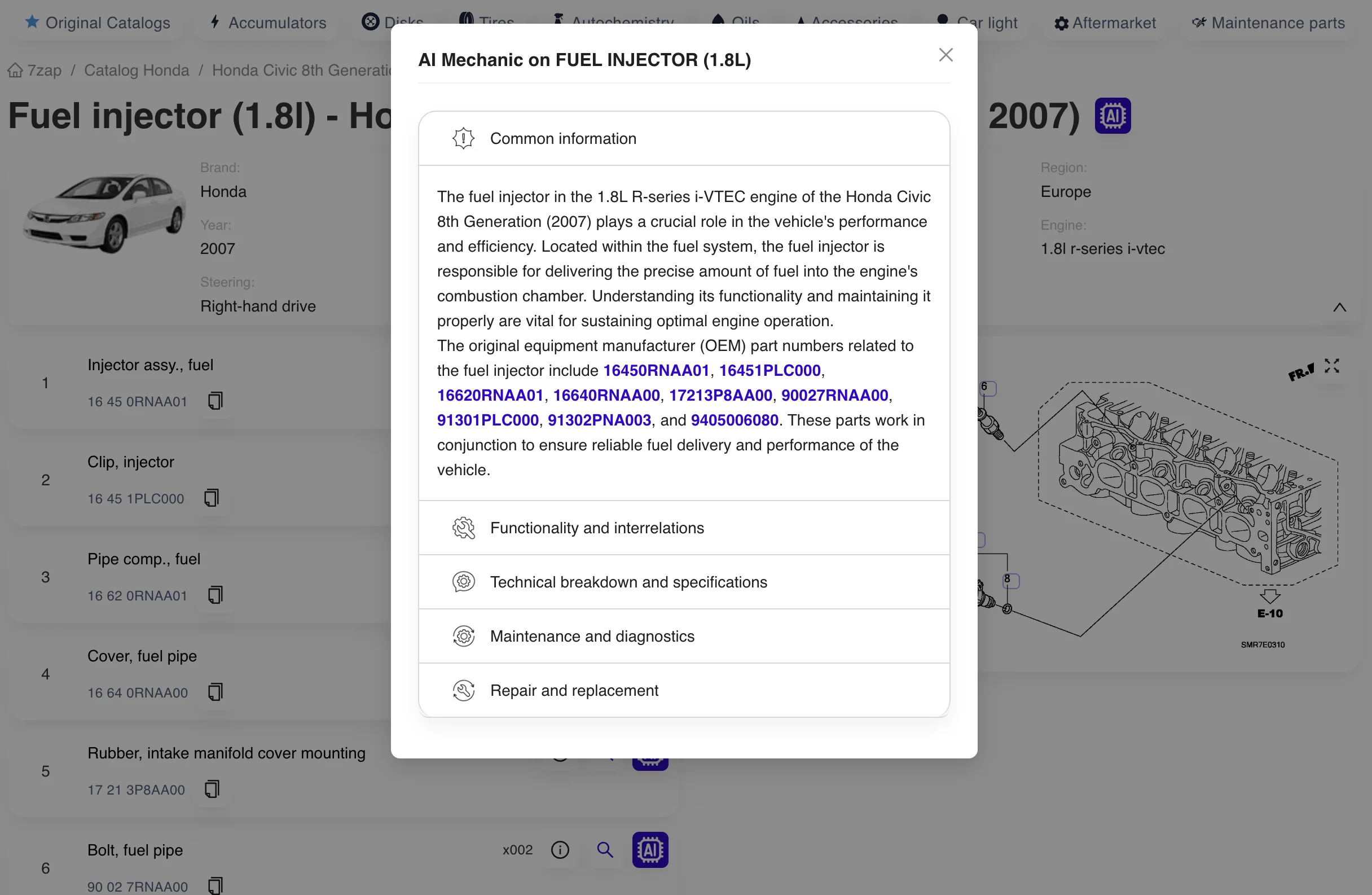
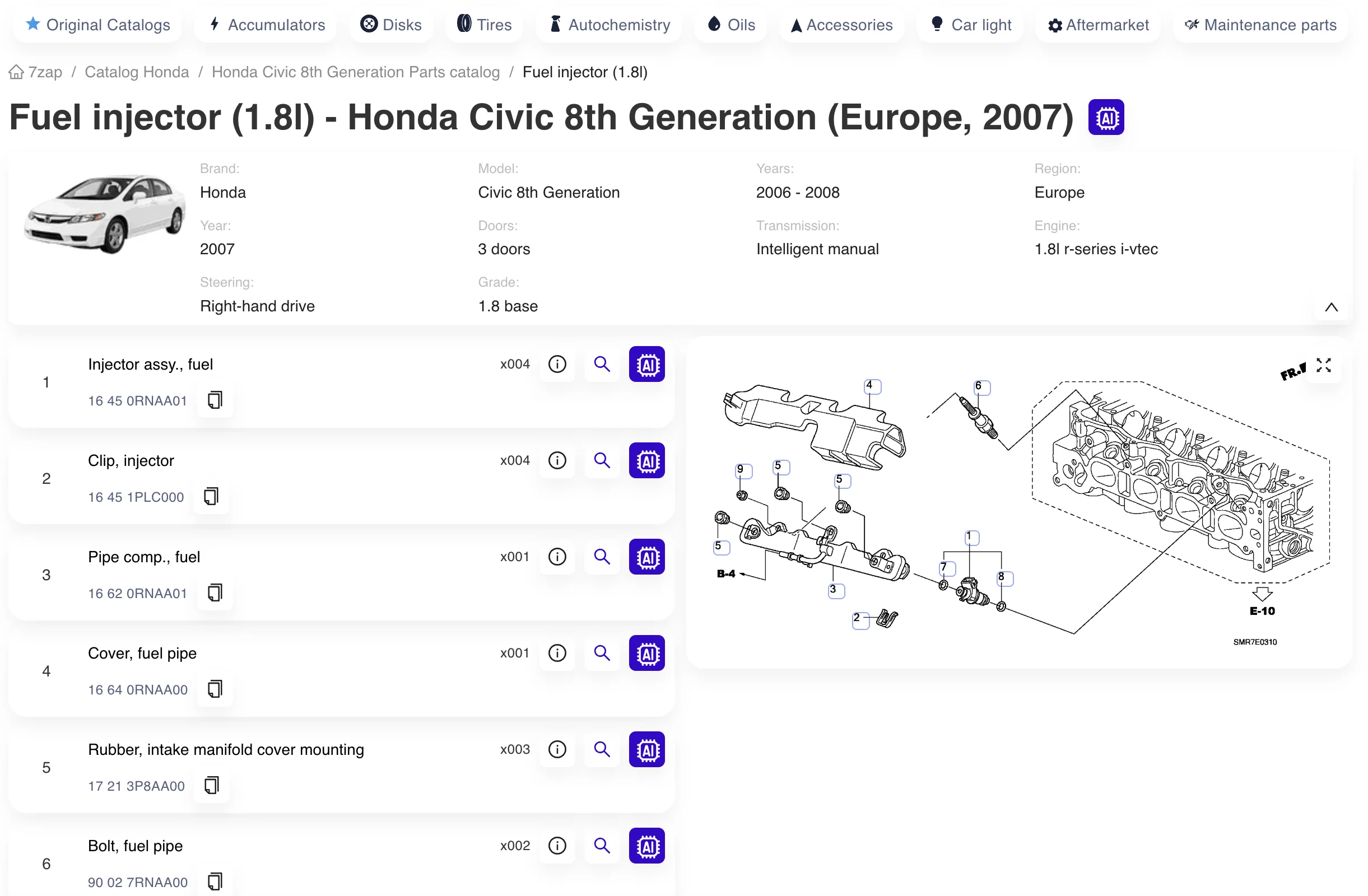
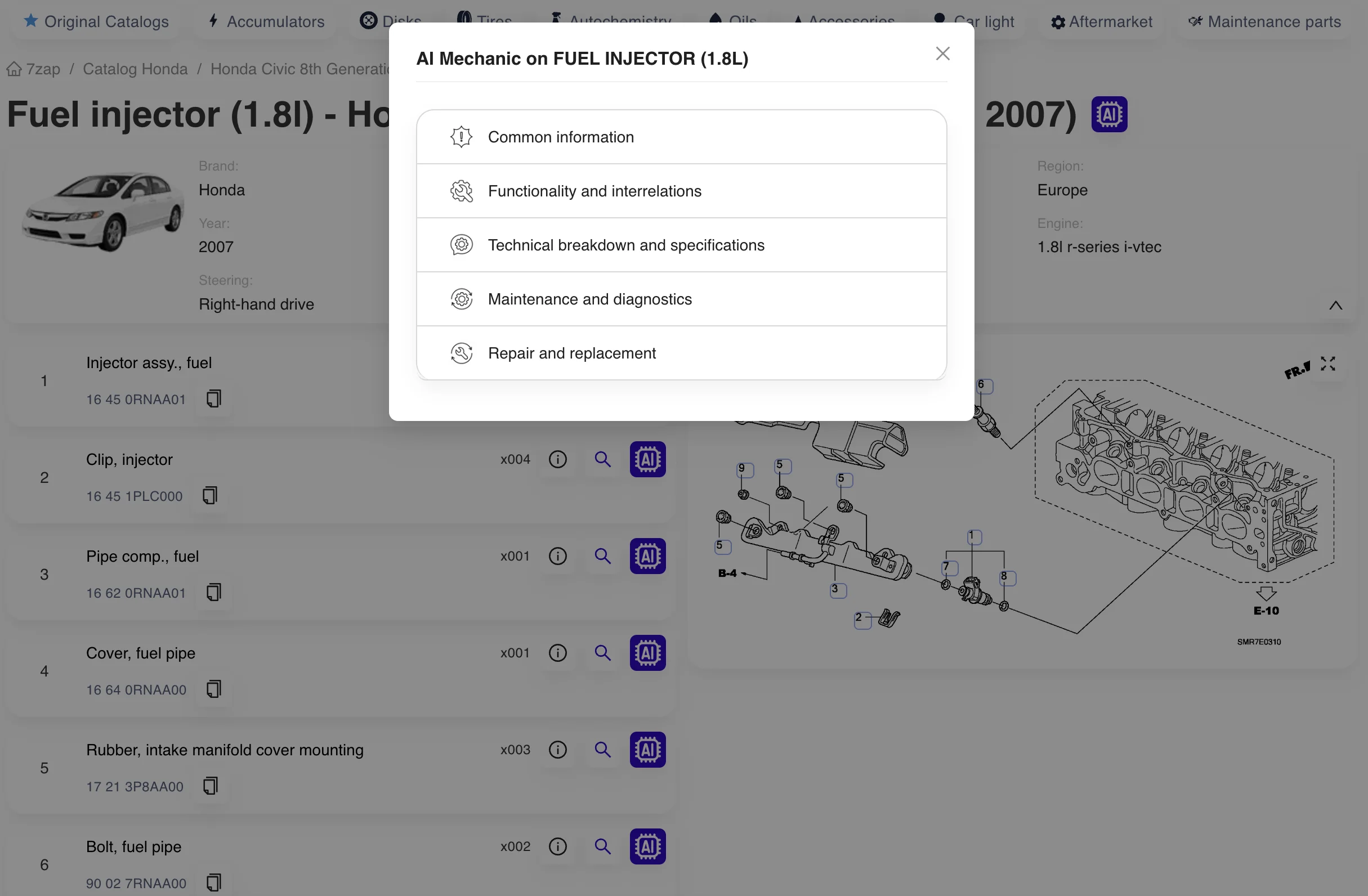
These temporary images illustrate general 7zap interface concepts only. They were copied from another brand page and must not be interpreted as showing a BrightDrop vehicle, BrightDrop data, or a successful BrightDrop result.
Review identification and assembly context
Decoded preview
VIN
17-character vehicle identifier
Model family
BrightDrop Zevo 400 / BrightDrop Zevo 600
Coverage
Varies by market and source
Inspect available parts details and verify them
Example 7zap catalog interface; temporary image from another brand page
Example 7zap assembly tools interface; temporary image from another brand page
Example 7zap parts detail interface; temporary image from another brand page
Support

BrightDrop VIN and catalog questions

Key points for identifying these battery-electric commercial delivery vans and researching OEM parts responsibly.

Explore other manufacturer VIN references

Use another brand page only for a vehicle carrying that manufacturer's identification. Never substitute another brand's VIN assumptions, WMI interpretation, or catalog data for a BrightDrop record.